
Getting Started (South Bank)
Introduction to the theme and theme editor.
Thank you for purchasing South Bank
Ideal for stores with a small number of products, South Bank highlights the detail of your products with large, high-resolution imagery.
Getting Help
We try to address all of the theme features in this documentation. If you encounter any problems or bugs, please use the help icon to send our support team a message.
Premium Setup and Modifications
Flair are one of the longest standing, best rated BigCommerce Partners in the world. We offer additional setup and customization services for your theme. If you have specific requirements, use the help icon to get in touch and request a quote.
Choosing a Variation
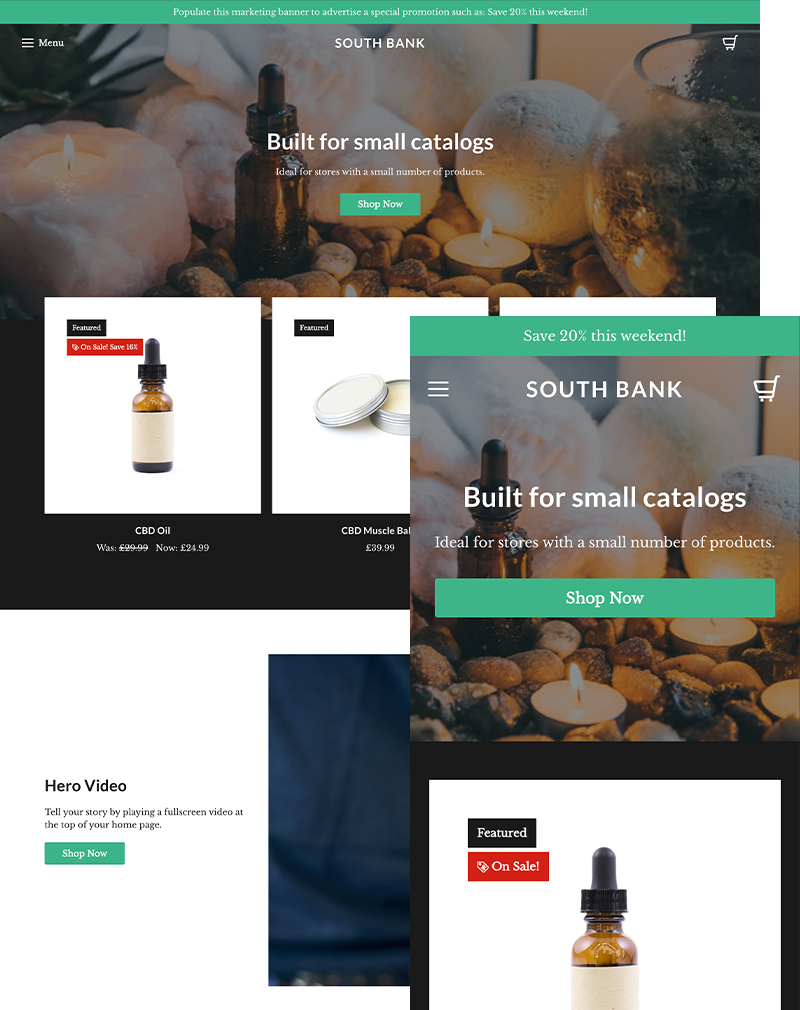
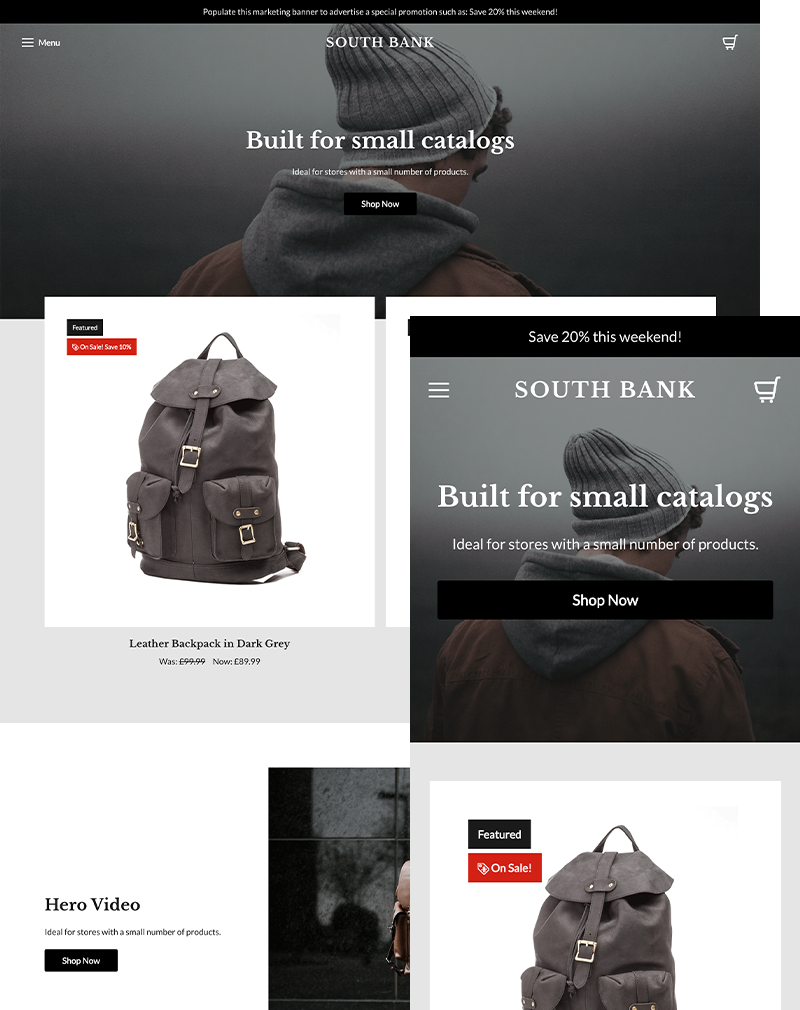
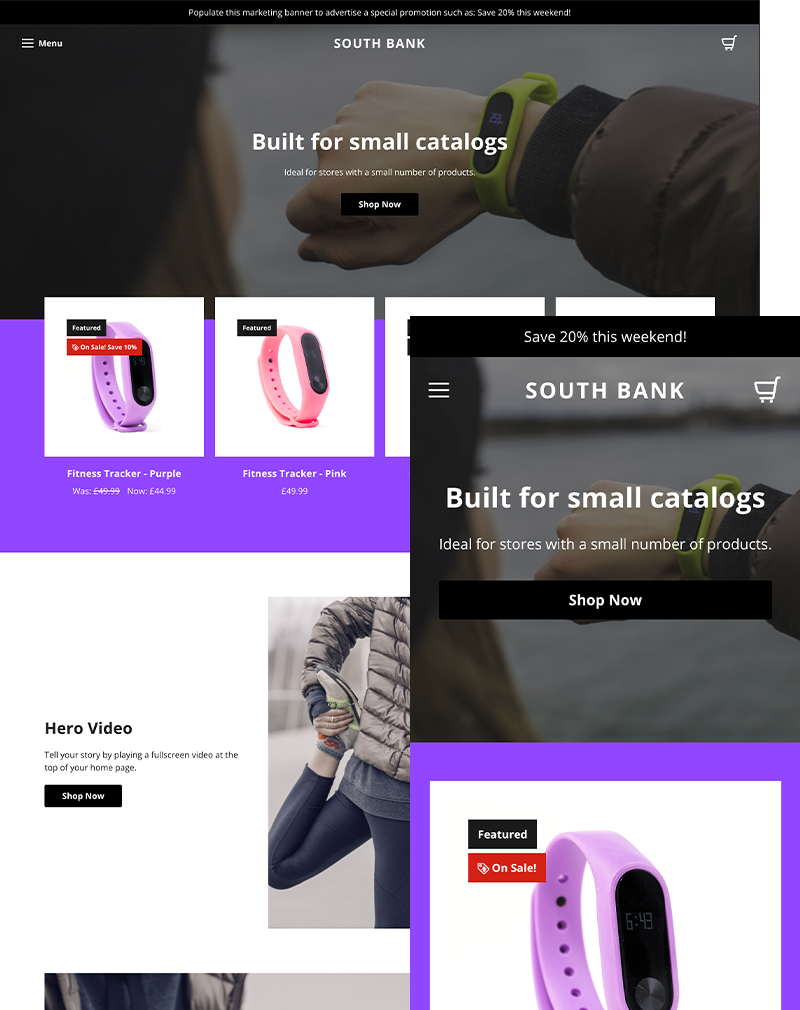
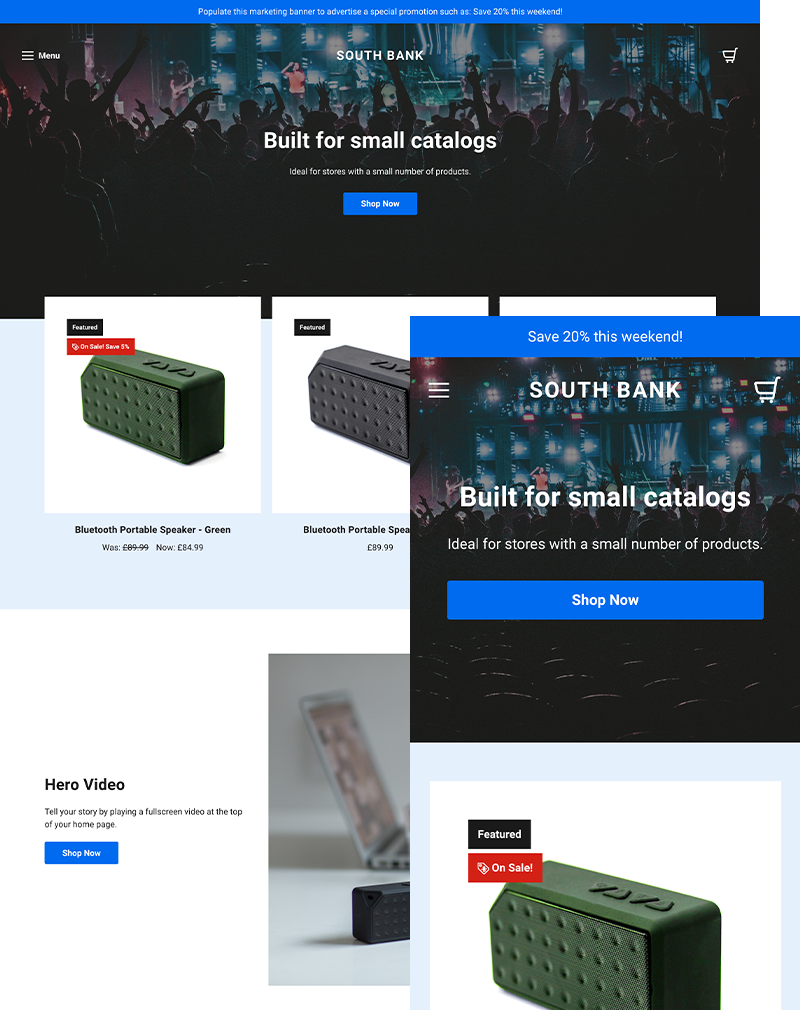
South Bank comes with four preconfigured theme variations. Check out our demo sites for Revive, Trek, Energy and Vibe.
You can choose a theme variation from inside the Stencil Theme Editor, accessed in your BigCommerce control panel. In your control panel, go to Storefront > My Themes, and click the blue "Customize" button to launch Theme Editor.
In the left hand menu, click the "Styles" heading, and from here you can select your preferred variation.
Theme Variations
Revive
Trek
Energy
Vibe
Theme Updates
We regularly update our themes to maintain them and introduce new features. If you customize the theme through the Stencil Theme Editor, then when you apply an update, your configuration will be pulled into the new version.
Updating theme files if you wish to modify the theme by changing the core files, then you'll need to create a copy of the theme first.
Making a copy effectively 'disconnects' it from the update feature. The original theme will still receive updates, but you will need to manually maintain a customized theme.